15 Bachelor Party Invitation Ideas That Set the Vibe from the Start
Introduction
You’re the best man, or you’ve been handed the reins on planning. The venue is scouted, the budget is loosely sketched out, and the group chat is already buzzing with half-baked ideas. But before you can book flights or secure that dinner reservation, you need to get everyone on the same page. That starts with a killer invite. We’re talking about the full spectrum of bachelor party invitation ideas that actually work. This isn’t about sending a sloppy text in a group chat and hoping for the best. It’s about setting the tone, locking in attendance, and building the kind of hype that turns a weekend into a legendary trip. This guide is for the planner who needs practical, high-impact optionsâdigital, print, video, or fully custom. We’re skipping the fluff and giving you tested advice that gets results.
Why Your Invitation Matters More Than You Think
Let’s get one thing straight: your invitation is not a formality. It’s the first real piece of communication that tells everyone, “This is happening, and it’s going to be serious.” A weak inviteâa quick text with just a date and a cityâgives off “I don’t have my shit together” energy. It also makes it easy for people to ignore or forget. You’re competing for attention in a world of endless notifications. A well-crafted invitation cuts through that noise. It signals that you’ve put thought into this, that the trip has a direction, and that their presence matters. The psychology is simple: visual cues and a sense of urgency influence decisions. If your invite looks like an afterthought, the trip might feel like one too. Don’t make the mistake of cramming every single detail into a chaotic paragraph. You need a clean, compelling reason to open their wallet and mark their calendar. This is your one shot to get buy-in before logistics get messy.
Digital vs. Print: The Tradeoffs You Need to Know
This is the first fork in the road. Digital invites are fast, cheap, and eco-friendly. They’re perfect for short-notice trips or when you’re trying to keep costs down. Platforms like Paperless Post, Greenvelope, or even a well-designed Canva template email work seamlessly. You get instant RSVPs, you can track who’s opened it, and you can include links to shared spreadsheets or group chats. Best for: the last-minute planner or the budget-conscious crew.
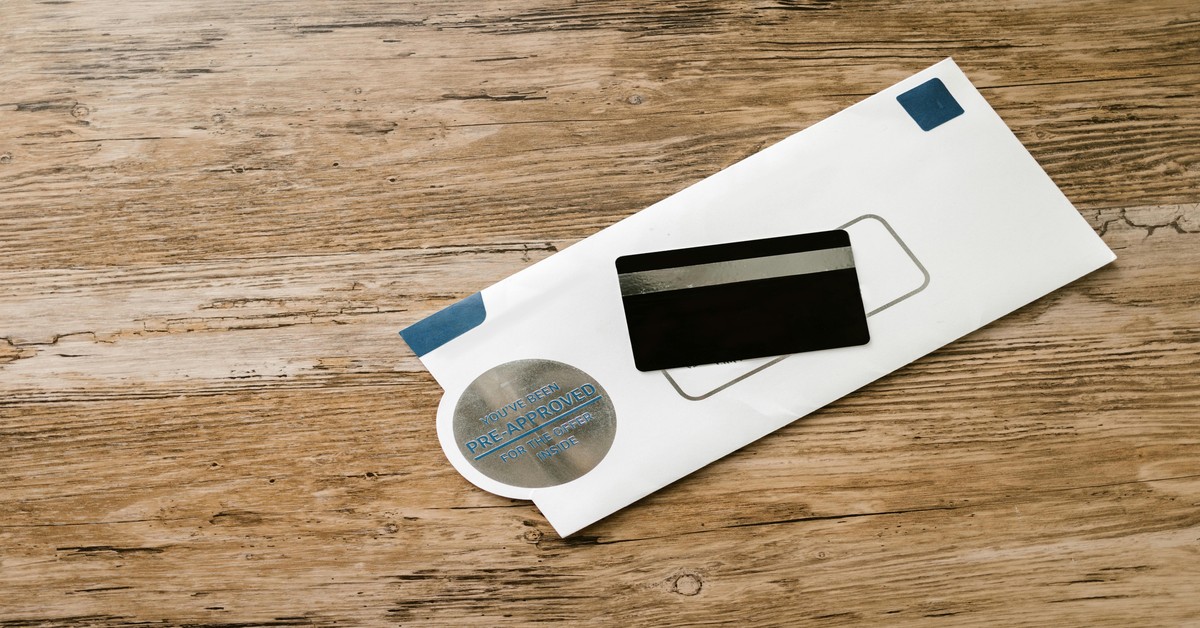
On the other hand, printed invitations carry weightâliterally. A thick cardstock envelope with a custom liner and foil stamping tells the groom and the squad that this is a premium event. They’re a keepsake. They force a moment of attention. But they cost more, take longer to produce, and require physical mailing. Best for: destination weekends where the budget is over $500 per person, or formal themes where the experience starts with the envelope.
The smartest play is often a hybrid: send a digital “save the date” with key info, then follow up with a printed formal invite. This balances cost, time, and impact. Avoid the trap of thinking one is universally better. Your decision should be based on your timeline and the trip’s vibe.
Best Digital Platforms for Bachelor Party Invitations
You want something that looks custom but doesn’t require a graphic design degree. Here are the top platforms that consistently deliver for bachelor parties.
Paperless Post: The design quality is unmatched. They have specific bachelor party templates that feel modern and high-end. The RSVP tracking is solid, and you can add a “wallet pass” so guests can save the event to their phone. Best for a sleek, coordinated look. The downside is that premium designs cost coins, which add up quickly if you’re sending to a large group.
Greenvelope: This is the go-to for a more refined, eco-friendly option. The templates lean sophisticated, making it a good fit for a classy winery weekend or a golf trip. The sender dashboard is excellent for tracking who’s seen the invite. It’s a bit pricier per envelope, but the quality justifies it for smaller, high-budget groups.
Punchbowl: If you’re on a tight timeline, Punchbowl is your friend. It offers a huge library of fun, party-centric designs, and many are free or very cheap. The RSVP management is straightforward, and it integrates with your address book. It’s not the design leader, but it’s incredibly practical for getting the job done fast.
Canva: For total control, Canva’s invitation templates are a powerhouse. You can customize everythingâfonts, colors, imagesâand then share a link or export a high-res PDF for printing. It’s free to start, and the premium designs are a one-time cost, not per-invite. Best for the hands-on planner who wants a truly unique design without a subscription.
When to Go Custom: Printed Invitation Suites Worth the Cost
Let’s be blunt: a printed invitation suite is overkill for a casual weekend in a cabin. But for a high-end destination weekendâsay, Las Vegas, Miami, or a European tripâit’s the right move. The cost per invite (typically $5â$15 depending on extras) is an investment in the experience. You want thick cardstock, preferably at least 110lb cover weight. Look for envelope liners in a contrasting color or a fun pattern. Foil stamping in gold or silver elevates it instantly.
Where to get them: Minted is a safe bet for customizable templates with excellent paper quality. Basic Invite offers a huge range of envelope liner options and free addressing. If you want something truly unique, hit up an Etsy seller who specializes in bachelor party suites. You can often get a custom stamp or a sealed wax emblem on the envelope. Rule of thumb: if the trip budget per person exceeds $500, a printed suite is a worthwhile expense. If you’re splitting a $200 Airbnb, a digital invite is the smarter play. Don’t waste money on paper that won’t feel premium to the touch.

7 Bachelor Party Invitation Wording Templates (for Every Vibe)
Here are ready-to-use templates. Adjust names, dates, and locations as needed. Keep it punchy and avoid inside jokes that will confuse the group.
1. The Adventure Trip (Hiking, Camping, Off-Roading):
Headline: “CONQUER THE WILD.”
Body: “You’ve been summoned for the ultimate bachelor adventure. We’re heading to Moab for a weekend of hiking, off-roading, and campfire stories. Gear up, bring your boots, and leave your suit at home.”
Call to Action: “Answer the call by June 10th.”
2. The Staycation / City Crawl:
Headline: “THE ULTIMATE URBAN ESCAPE.”
Body: “The groom is trading ties for t-shirts. Join us for a weekend in Chicago hitting the best bars, rooftops, and late-night eats. No passport needed, just your best party vibe.”
Call to Action: “Reply by July 1st. Flights not included.”
3. The Club Weekend (Vegas, Miami, NYC):
Headline: “THEY SAID WE COULDN’T.”
Body: “We’re taking over Vegas for the groom’s final rodeo. Expect table service, celebrity sightings, and zero sleep. Dress code: sharp. Attitude: unstoppable.”
Call to Action: “Commit by August 15th. Room deposit required.”
4. The Cabin Retreat:
Headline: “LAST CALL FOR THE CABIN.”
Body: “No cell service, no suits, no problems. We’re renting a private cabin in the Smokies for a weekend of poker, whiskey, and war stories. Bring your A-game and a sleeping bag.”
Call to Action: “Claim your bunk by September 5th.”
5. The Destination Abroad (Tulum, Ibiza, Cancun):
Headline: “THE GROOM’S LAST HURRAH.”
Body: “Pack your passport. We’re flying to Tulum for a week of turquoise water, tacos, and trouble. It’s happening. The only question is if you’re in.”
Call to Action: “Reserve your spot by October 20th. Deposit due immediately.”
6. The Golf / Leisure Trip:
Headline: “FORE! A FINAL ROUND.”
Body: “The groom’s getting his last round in with the boys. Join us at Pinehurst for premium fairways, cold beers, and slow swings. Handicap optional.”
Call to Action: “RSVP by November 10th.”
7. The Low-Key BBQ / Weekend:
Headline: “KEEP IT SIMPLE.”
Body: “No plans, just good vibes. We’re kicking off the celebration at the lake house with a grill, a cooler, and the whole crew. Bring your favorite board game and an appetite.”
Call to Action: “Let me know you’re in by December 1st.”
Always include the exact dates, location (city or venue), and a clear deadline. Avoid vague language like “sometime in July.”
How to Design an Invitation That Gets a Yes
You don’t need to be a designer, but you do need to follow a few rules. High-contrast colors are essential. A light background with dark text is readable. Avoid pale fonts on white. Limit your text to the essential info: event name, date, location, and a call to action. Use a clear hierarchy. The date should be the largest text element after the headline. The location comes second. The call to action should be a distinct button or bolded link. Use Canva or Adobe Express if you’re designing from scratch. For images, use a high-resolution mockup of the destination or a candid photo from a previous trip with the groom. Avoid generic stock photos. Most importantly: design for mobile. Over 70% of people will open your invite on their phone. If it’s not readable on a small screen, you’ve lost them. Test your design by sending it to yourself first. A quick checklist: clear headline, readable fonts, one strong visual, RSVP link, and a deadline.
Video Invitations: The Ultimate Hype Builder
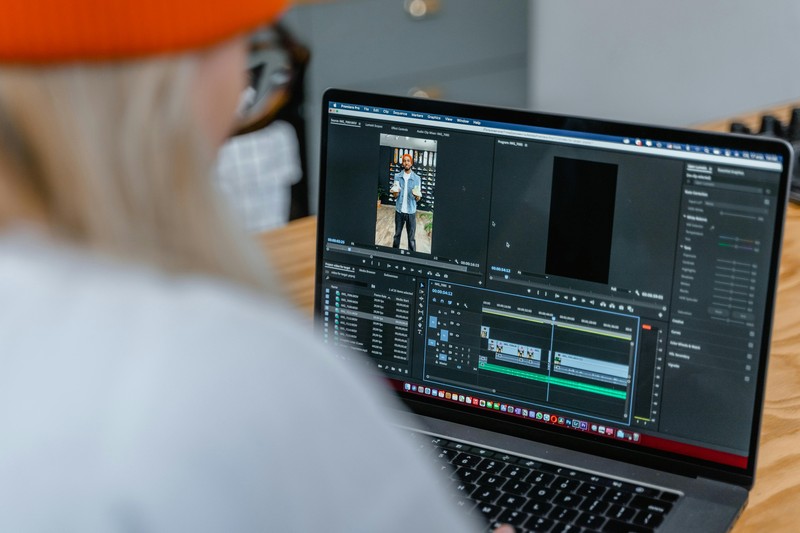
If you want a near-guaranteed high RSVP rate, nothing beats a short video invitation. A 15-30 second clip can show the groom’s personality and the trip’s promise in a way that text and static images can’t. The cost is minimalâjust your time and a free editing tool. The impact is massive. People feel more compelled to click “going” when they see excitement on screen. Use a tool like CapCut (mobile) or InVideo (browser). Here’s a script template: open with a quick, candid shot of the groom laughing or making a toast, cut to a montage of photos or clips of the destinationâa beach, a casino, a mountain trailâover a high-energy soundtrack, and end with a clear call to action: “Click the link to RSVP. See you in April.” Keep it under 30 seconds. The file size should be under 50MB for easy sharing via WhatsApp or text. You can also hire a freelancer on Fiverr for under $50 to edit it for you. This investment typically pays back in fewer cancellations and higher attendance.
Mistakes That Kill Your Invitation (and How to Fix Them)
I’ve seen groups of ten drop to three because of a poorly executed invite. Here are the common killers and their fixes.
1. No deadline: Without a hard date, people delay. And delay means last-minute dropouts. Fix: Include a clear RSVP deadline in bold. “RSVP by July 1st. No exceptions.”
2. Too-small text: A 10pt font on a digital invite is a nightmare on a phone. Fix: Keep all body text at 14pt or larger. Headlines at 18pt+.
3. No dress code: Guests will show up in flip-flops when you need suits. Fix: Include a dress code line. “Dress code: Cocktail attire.” Or “Beach casual.”
4. Hidden costs: You mention the trip but not the flight cost. Someone sees the price and screams. Fix: Be upfront. Include a budget estimate: “Expect flights around $300, rooms split $200/person.”
5. Too late: Sending an invite two weeks before the trip is a disaster for destination events. Fix: Send digital invites 4-6 weeks out. For domestic flights, aim for 8 weeks. For international, 12 weeks minimum.
What to Include in Your Invitation: The Essential Checklist
Don’t let anything slip through the cracks. Every invitation should include:
- Groom’s full name (and can be funny, e.g., “The Groom-to-be, John Smith”)
- Your name as the best man or organizer
- Exact dates (start and end day)
- City and venue or neighborhood
- Travel plan (Are you all flying? Driving? Train?)
- Accommodation link or hotel block info
- Budget estimate (per person total)
- RSVP deadline
- Link to a shared Google Sheet or group chat
Bonus points for adding a local tip or a “What to Pack” section. This builds excitement and reduces confusion. If you’re looking for gear, consider linking to practical travel accessories like packing cubes or a portable speaker for the trip. These are small touches that improve the experience.
How to Track RSVPs and Follow Up Without Being Annoying
Managing the response list is half the battle. Use RSVPify for a dedicated page, or Google Forms if you want a free, no-frills option. Most digital platforms have built-in tracking, so check your dashboard daily. The tricky part is the follow-up. You need to chase the stragglers without becoming the nag. Here’s how to do it: Wait 3-4 days after the deadline passes. Send a single, friendly text to each non-responder individually. Don’t blast the whole group. Here’s a template: “Hey [Name], just checking in on the invite for [Trip]. Need your headcount by tomorrow so I can lock in the [activity/hotel]. Let me know!” End it with a smiley or an exclamation point. If they don’t respond after that, accept the hard no. Pushing further only creates friction. Know when to let go. If you have a deposit due, give them one final 24-hour warning before you assume they’re out.
Budget-Friendly Invitation Ideas That Still Look High-End
You don’t need a huge budget to make an impression. Free Canva templates are the MVP here. You can create a professional-looking digital invitation in 15 minutes. Just choose a template with a minimalist design and swap in your details and a high-quality stock photo. Print it at home on quality cardstock from a local office supply store (FedEx Office or Staples). The trick is to splurge on one elementâa custom stamp for the envelope or a metallic envelope liner. A $10 stamp from Etsy can make a $0.50 envelope look like a $5 one. Compare costs: a fully digital invite costs $0-10. Print-at-home with cardstock and decent envelopes runs $20-50. A professional print suite with foil and custom envelopes hits $100-300. For a budget trip, stick to digital. For a mid-range trip, print-at-home with a custom seal is the sweet spot. Don’t waste money on premium paper for a trip that’s three states away and costs $100 per person.
The Role of the Invitation in Building Trip Momentum
Your invitation is the spark, but it should also be the ignition for the entire planning engine. Once you send that invite, you’re opening a door. The RSVP is just the first step. Use the invitation to direct traffic to a shared group chat (WhatsApp or Discord) where you can share real-time updates, travel details, and activity polls. Include a “What to Bring” section to set expectations. This is also a smart moment to link to a shared Amazon wishlist or a group registry for communal gear like a cooler or a portable speaker. This turns the invite from a one-way announcement into a collaborative planning tool. The more people feel involved early, the less likely they are to drop out later. Set the tone for costs and activities from the start. If the plan is “all-inclusive party weekend,” say it. If it’s “low-key chill retreat,” say that too. Avoid ambiguity.
Final Checklist: Launching Your Invitation Like a Pro
Here’s the no-fail process to push your invite out and get real results.
- Choose your format: Digital, print, or video. Match it to your timeline and budget.
- Write your wording: Use a template from this guide. Keep it punchy and clear.
- Design it: Prioritize mobile readability. High contrast, big fonts, one strong visual.
- Send it: 4-6 weeks out for domestic trips. 8-10 weeks for destination. Include the RSVP deadline.
- Track RSVPs: Use the platform’s dashboard or a simple spreadsheet. Check daily.
- Follow up: One friendly text 3-4 days after the deadline. Accept the hard no.
You’ve got the blueprint. Now it’s time to execute. The right invitation turns a good party into an unmissable event. Start designing your dream setup today by choosing a platform that fits your vibe and budget. Your squad is waiting.